MCP Config for Blender-Mcp
MCP Config for Blender-Mcp is a verified MCP_CONFIG blueprint on Promptally in Game Engines & 3D optimized for leading AI models. Blender MCP server for prompt-assisted 3D game asset modeling, rigging, and Poly Haven / Hyper3D Rodin AI mesh imports. Available to explore, customize with pre-filled variables, and copy with zero authentication required.
 Created by @promptally
Technical Specifications
| Specification | Value |
|---|---|
| Artifact type | MCP CONFIG (Game Engines & 3D) |
| Compatible engines | Universal / Model Agnostic |
| Input variables | None (pre-filled) |
| Approximate tokens | 44 |
| Source file | mcp.json |
| Access tier | Free public (MIT) |
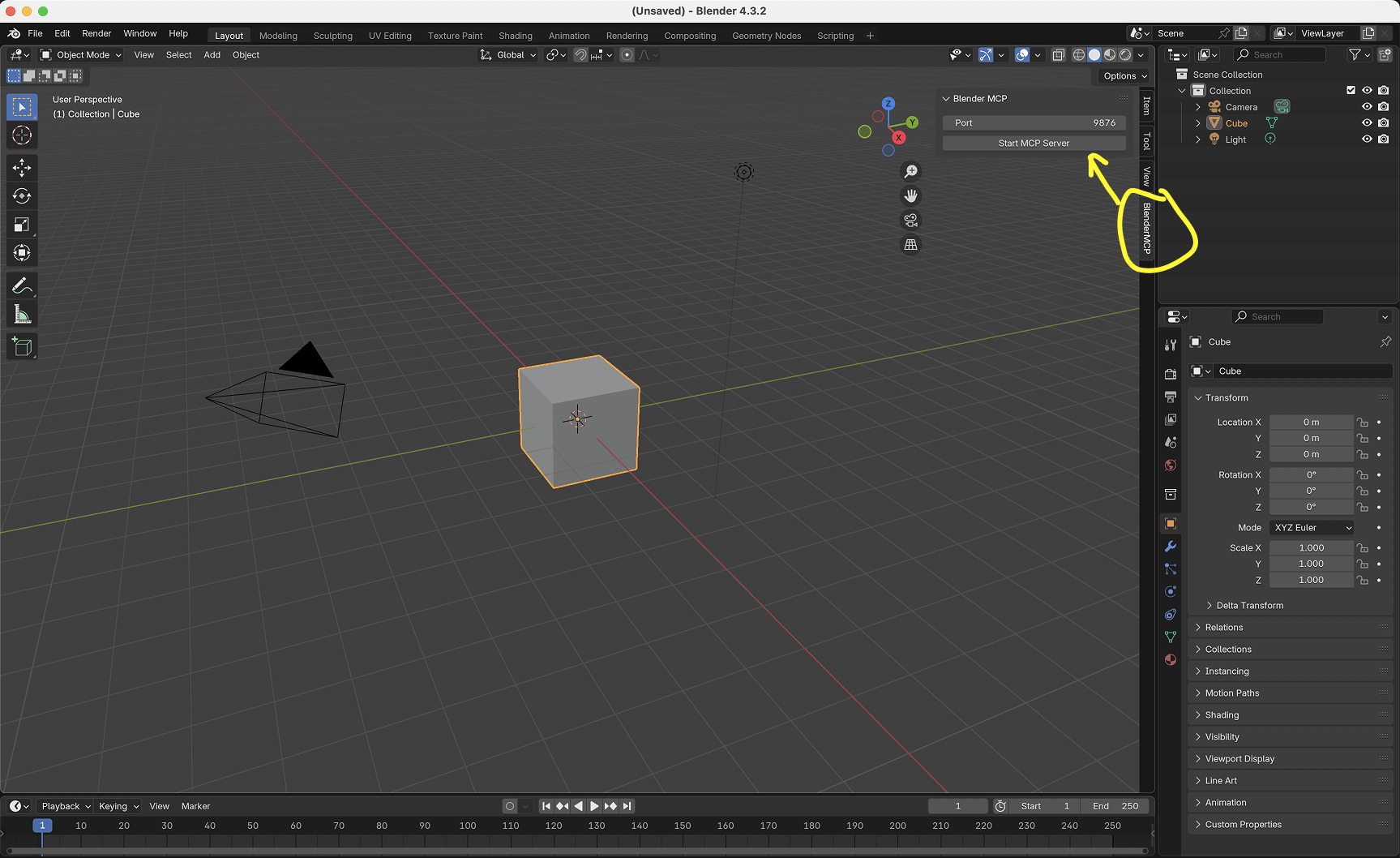
Pre-Filled Template
{
  "mcpServers": {
    "blender-mcp": {
      "command": "uvx",
      "args": [
        "blender-mcp"
      ],
      "env": {
        "BLENDER_PORT": "9876"
      }
    }
  }
}
How to use this mcp config
- Review the pre-filled example and source files above.
- Copy the template or download
mcp.json, then use it in your model, IDE, or workflow tool. - Compare your result with the sample output when one is provided.
Frequently Asked Questions
How do I use MCP Config for Blender-Mcp?
Open the mcp config on Promptally, review the pre-filled example, then copy the template or download mcp.json and paste it into your model, IDE or workflow tool. MCP Config for Blender-Mcp is a static blueprint with no dynamic variables. Copy it and use it as-is.
Is MCP Config for Blender-Mcp free?
Yes. MCP Config for Blender-Mcp is free to view, copy and download on Promptally without creating an account. It is published under the MIT license.
What variables does MCP Config for Blender-Mcp need?
MCP Config for Blender-Mcp is a static blueprint with no dynamic variables. Copy it and use it as-is.